
Last month, I explained that ergonomics is the study of how to improve efficiency and comfort in the workplace. Office furnishing companies, like Humanscale, are dedicated to designing and manufacturing chairs and desks that help improve your posture and reduce discomfort while you’re at work.
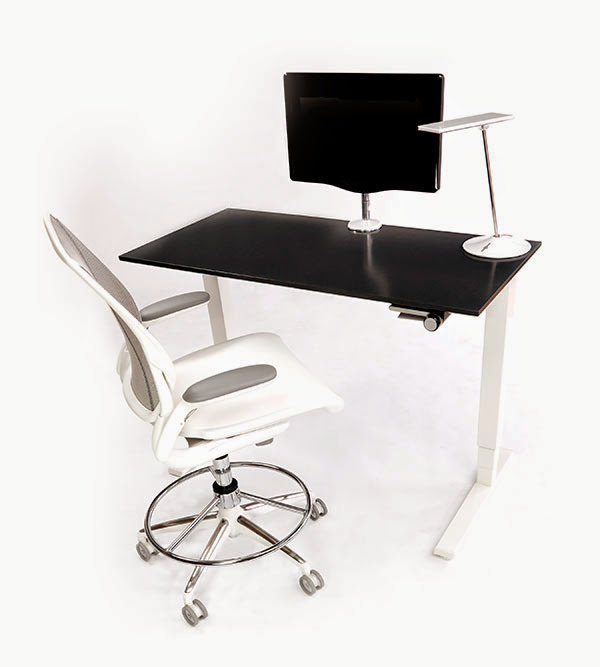
But besides choosing the right chair, placing it at the correct height, and positioning your keyboard correctly, there are some other parts of ergonomics to consider:
- SITTING VS. STANDING – In the past, I’ve shared with you how researchers have called sitting the new smoking. Many new studies have shown that sitting for hours at your desk may have harmful side effects such as obesity, heart disease and can even cause a stroke. But since those studies have been released, we’re also learning that standing too much can be just as bad by putting more pressure on our bodies, especially our backs and joints. That’s why ergonomics experts suggest a good amount of both. Vary your position every day, several times a day. Not only that, but experts also suggested moving around. For instance, walking to give a colleague a message, rather than emailing him or her.
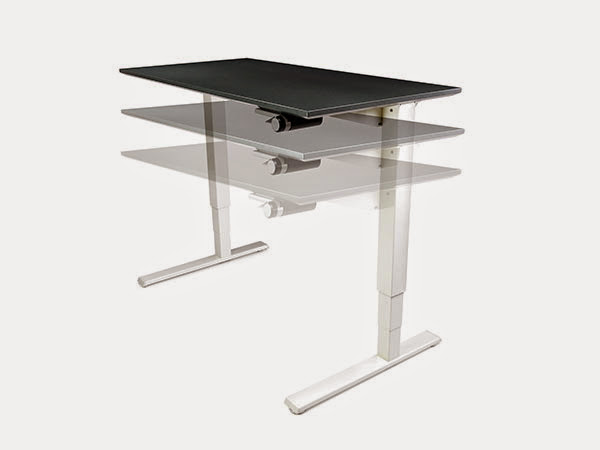 ADJUSTABLE HEIGHT TABLE/DESKS – In order to avoid sitting all day, try an adjustable height desk. These desks allow you to push a button to easily adjust your workstation from a sitting to a standing position. The perfect position for your desk at sitting height should have your feet flat on the floor and thighs parallel to the floor. If you have a few minutes click on this link to see how a float table can improve your working conditions: Humanscale Float Table Video
- POSITION OF YOUR MONITOR – Did you know the position of your computer monitor could be responsible for your aches and pains? Ergonomics experts say there is a correct way to position your computer monitor for maximum productivity and efficiency while keeping correct posture. Position your monitor at least an arm’s length away. The top line of the text on the screen should be at or just below eye level. Finally, tilt your monitor away from you so your line of sight is perpendicular to the screen.
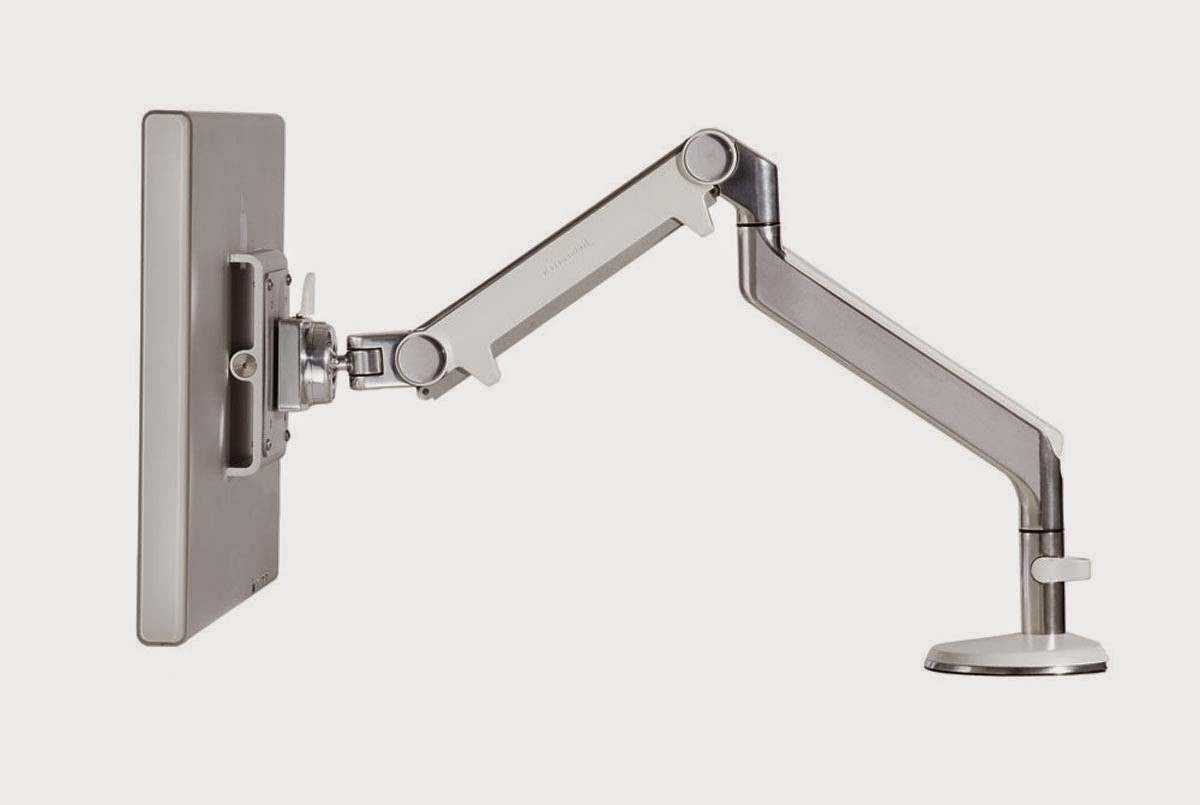
- MONITOR ARMS – If your employees share a workstation or collaborate a lot, then you may want to consider installing a monitor arm. Monitor arms let you put the screen exactly where it’s ergonomically best for you with very little effort. This is a great idea for shared workspaces or collaborative workstations. If you have three minutes, click on this link to make sure your workstation is ergonomically correct: Humanscale Monitor Arms
Hopefully you clicked on the links above. These two short ergonomics videos are just a few minutes long, but could change your future. Just changing the way you sit, intermittently standing, moving around throughout the day and making sure your computer is in the proper position is what ergonomics is all about.
If you have any other questions about the videos or ergonomics, feel free to e-mail me anytime. Thanks to ergonomics and our forefathers in 1776, I now tell people I not only sell office furniture, but a healthier quality of life at the office.